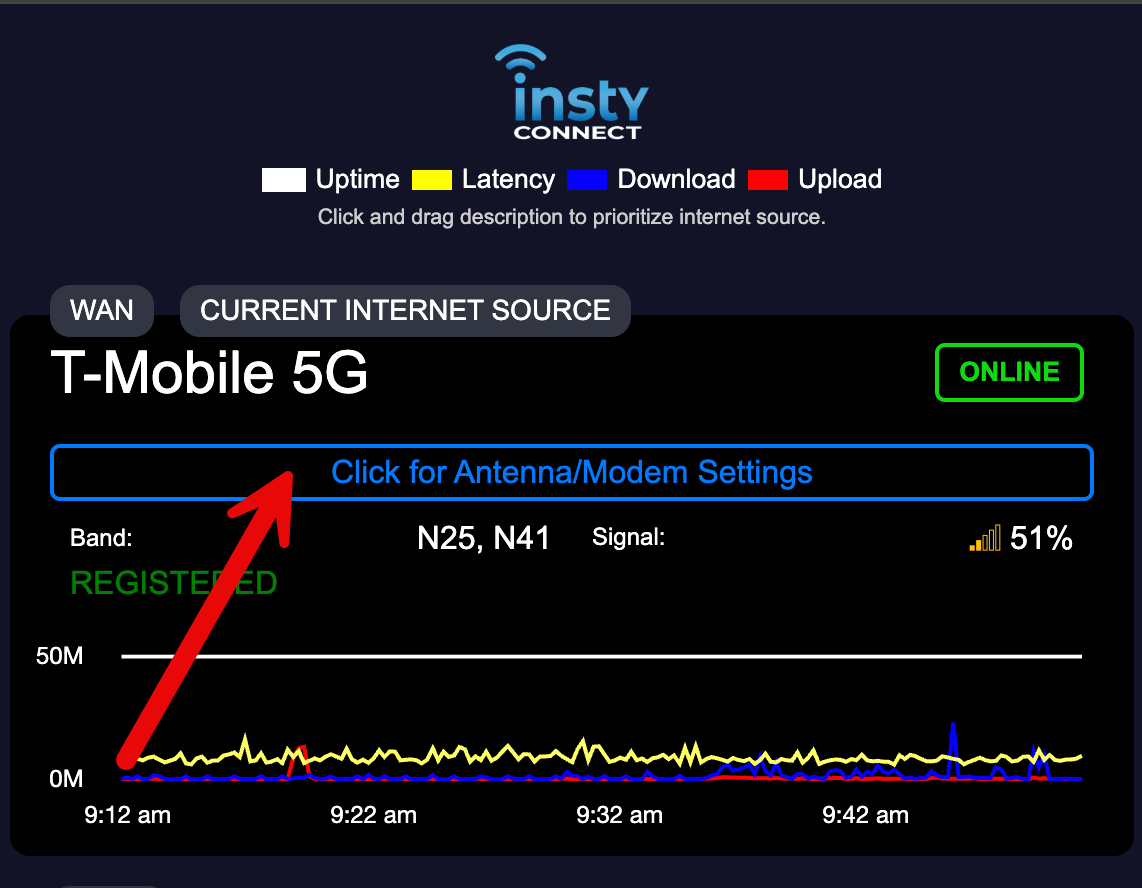
This is a guide to the "quick" dashboard. This dashboard is what you should look at to immediately know what the Insty Connect is doing.
Note: you must be connected via Wifi to the Insty Router before you can see this dashboard.
You will only be able to see this dashboard when you are linked to the router via wifi. You will not be able to see this dashboard over then internet when you are outside of your wifi network.
1.) Connect to your Insty wifi.
2.) To get to the Quick Dashboard, you can go directly by using this URL: http://192.168.8.1/quick.html
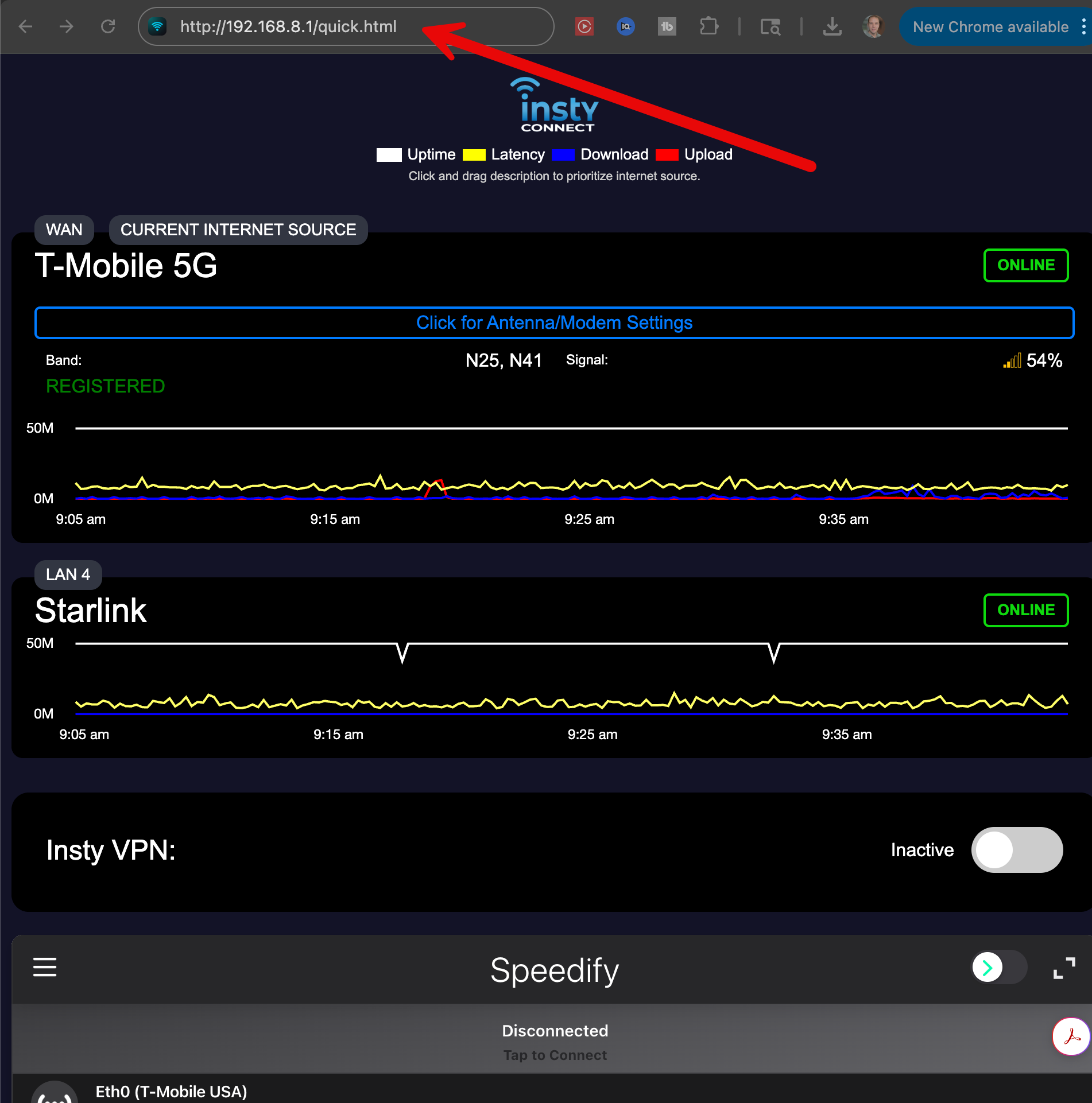
3.) BOOKMARK THIS URL! as it should be your FIRST look to find out what the Insty is doing.
You can also add this as an "App" to your phone by clicking the "share" icon, and then selecting "add to homepage" on you Apple device (should be similar with an Android device)
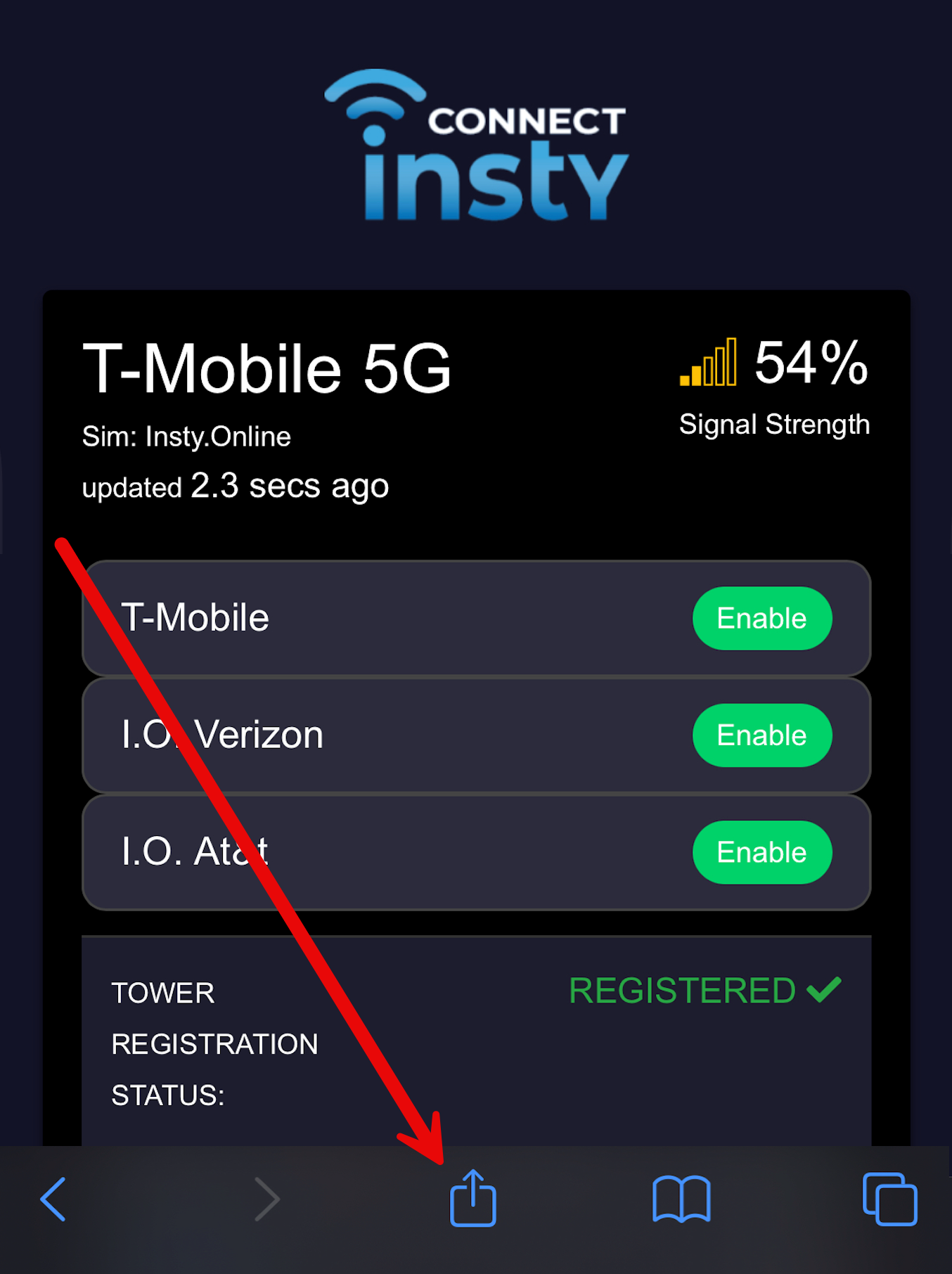
From here, you can easily see if the antenna has a signal, and/or if there are any messages the Insty needs to tell you.
Navigating to the antenna settings.
From the quick dashboard, you can easily go into the antenna settings by clicking the button that reads, "Click for Antenna/Modem Settings".